See what you can build

Watchfaces and games in Elm

These are real project templates. Open any one in the hosted IDE, tweak the Elm, and run it in the emulator — then install on a Pebble when you are ready.

New to Elm? Start with Digital or the tutorial watchface. Already write Elm? Jump into YES, Tangram Time, or 2048.

Watchfaces
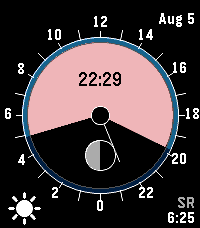
YES on a Pebble screen
Watchface

YES

Solar dial, moon phase, and companion weather on a dense round face.

Open in IDE
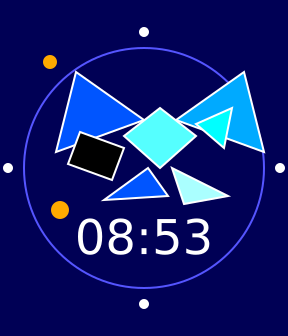
Tangram Time on a Pebble screen
Watchface

Tangram Time

Geometric art that still tells time — a favorite showpiece.

Open in IDE
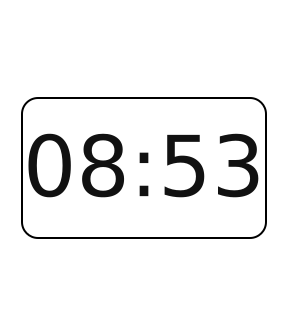
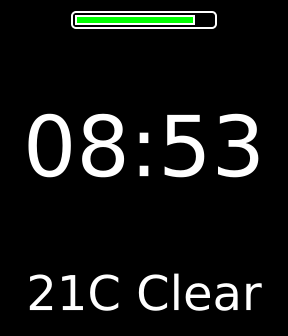
Digital on a Pebble screen
Watchface

Digital

A clean starting face: time, layout, and colors you can reshape quickly.

Open in IDE
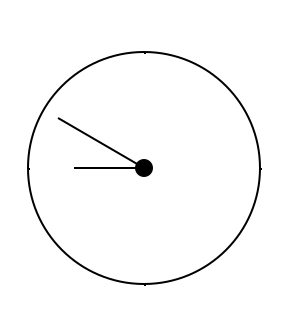
Analog on a Pebble screen
Watchface

Analog

Classic hands with typed state for ticks, battery, and style tweaks.

Open in IDE
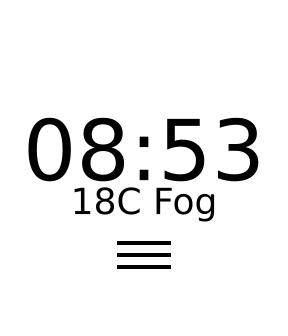
Weather animated on a Pebble screen
Watchface

Weather animated

Companion weather plus vector weather icons on the wrist.

Open in IDE
Tutorial complete on a Pebble screen
Watchface

Tutorial complete

The weather watchface walked through step by step in the tutorial.

Open in IDE

Games

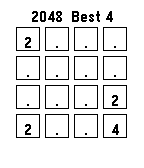
2048 on a Pebble screen
Game

2048

A full game loop on the watch — buttons, board state, and scoring.

Open in IDE
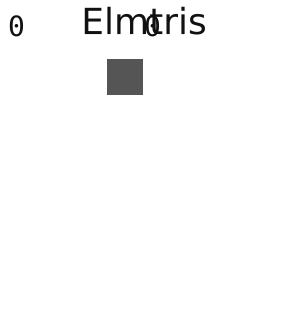
Elmtris on a Pebble screen
Game

Elmtris

Tetris-style play with piece motion, lines, and a small playfield.

Open in IDE
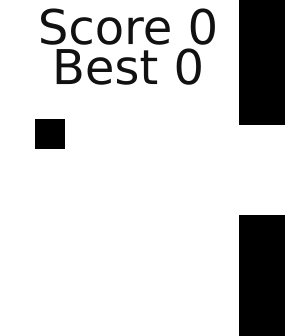
Tiny Bird on a Pebble screen
Game

Tiny Bird

A flappy-style side scroller for button timing and frame updates.

Open in IDE
Getting started guideWatchface tutorial walkthroughWhy Elm fits Pebble